More income per stay
A late check-out, a breakfast basket, bikes for a day: extras guests would gladly pay for, but rarely ask about. In the shop they see them and book them themselves.
For hosts
Your guests scan the QR code, choose an extra and pay on their phone, and you receive the full price you set.
The BookNoFees shop for vacation rentals sells what is not in a fridge: a late check-out, a breakfast basket, a beach lounger for the week, a mid-stay cleaning. You choose the extras, set your prices and print one QR card. Your guest scans it, chooses and pays by card on the phone. No cash, no counting, nothing to remember at check-out.
Free for hosts. Your guest pays a 9.9 % service fee on top of your price.
Try it here→
Tap the shop and try it as your guests would. Sample extras, nothing is charged.
Every extra comes with its own picture, ready to add with one tap. Name and price are yours to change, and anything not on the list you add yourself.
 Late check-out (per hour)
 Shopping service
 Gas bottle, large
 Gas bottle, small
 Charcoal grill (per stay)
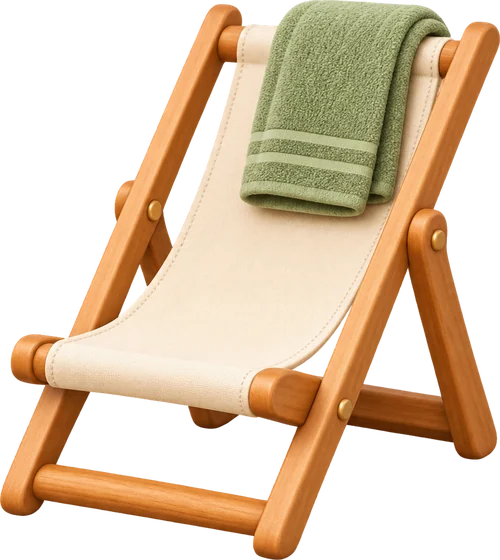 Beach lounger (per week)
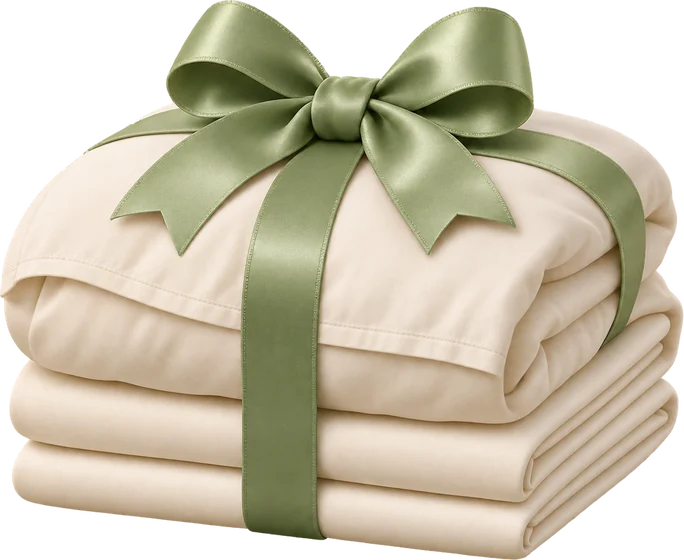 Change of bed linen (per bed)
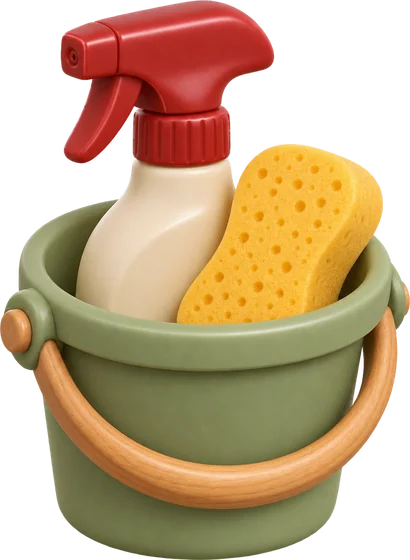 Mid-stay cleaning
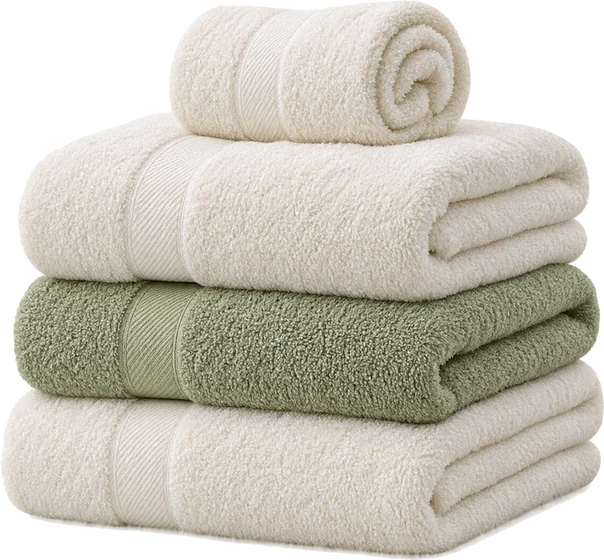 Towel set
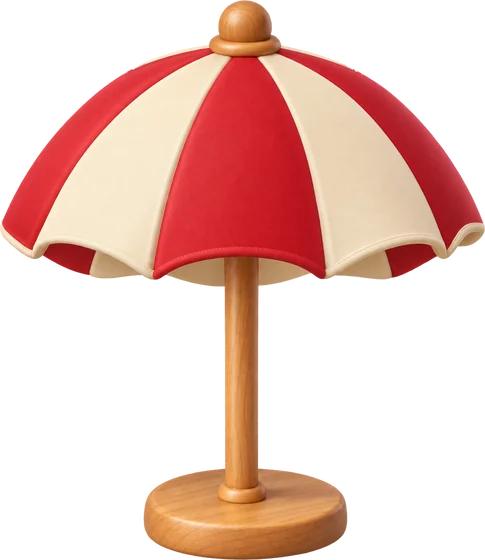 Beach umbrella (per week)
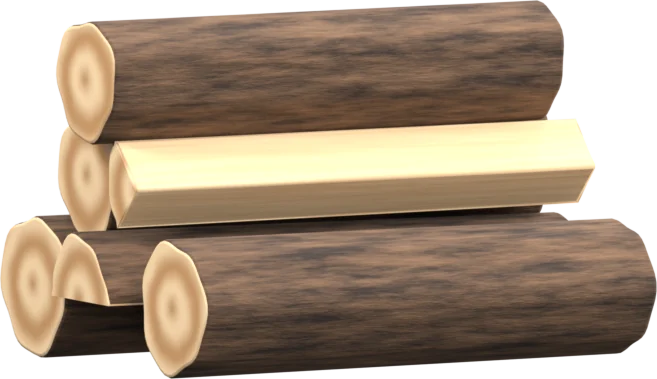 Firewood
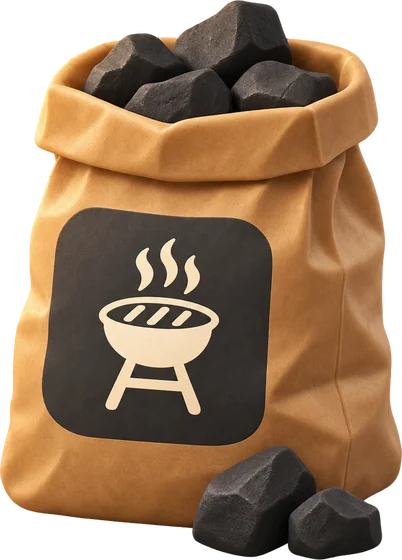 Charcoal
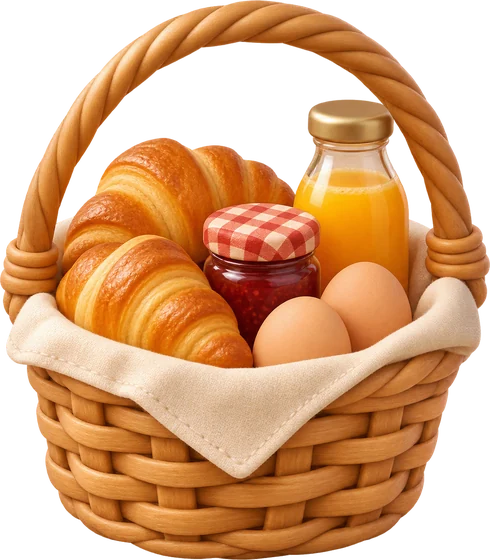 Breakfast basket
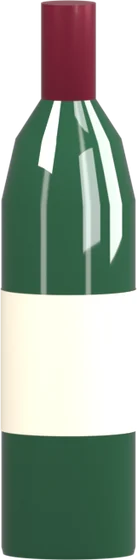 Bottle of local wine
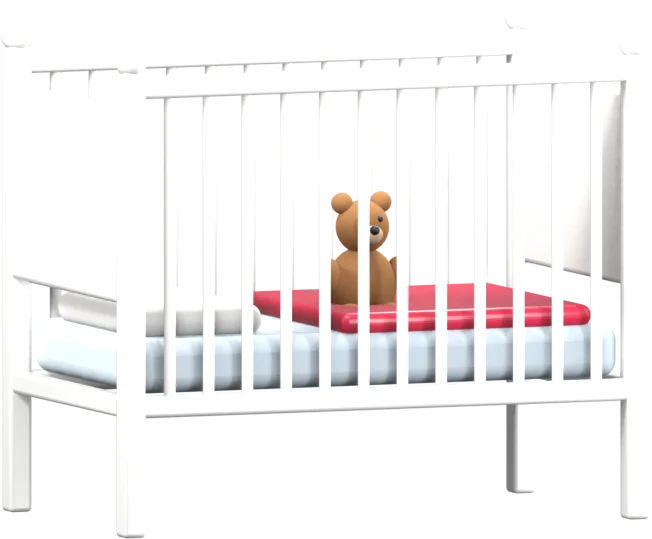 Baby cot
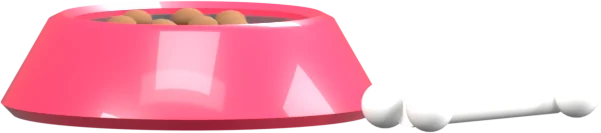 Pet (per stay)
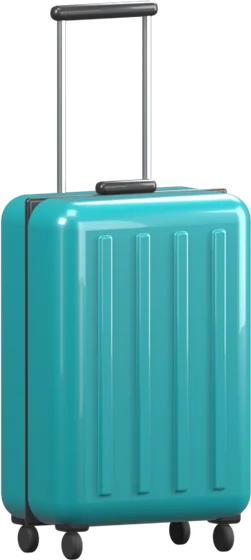 Airport transfer
 Bike (per day)
Pick extras from the list or add your own, and give each one a price. You do that in the BookNoFees app or in your account.
Your shop gets its own QR card. Print it and put it up where guests see it: on the door, in the guest folder, by the coffee machine.
Your guest scans the code, signs in the first time with a free BookNoFees account, chooses and pays by card on the phone. Apple Pay and Google Pay work through the same card payment. The receipt goes to the guest.
A late check-out, a breakfast basket, bikes for a day: extras guests would gladly pay for, but rarely ask about. In the shop they see them and book them themselves.
Nobody has to ask, nobody has to collect money at departure. Guests pay by card, and your money is paid out to the bank account you already gave Stripe.
You decide what you offer and what it costs. Change a price or take an extra out at any time; your guests see it straight away.
The shop is free for hosts, and you receive the price you set in full. Your guest pays a 9.9 % service fee on top, already included in the price shown before paying. Set 20.00 and your guest pays 21.98. If a purchase totals less than 10.00, 0.30 is added once for the fixed cost of every card payment.
Nothing. Setting up the shop, printing the QR card and selling are free for hosts, and you receive your own price in full.
Your guest. The fee is added to your price and is already included in the price the guest sees before paying.
Yes. Each home can have one fridge and one shop, each with its own QR card. One shop can also serve several homes, for example three flats in one building.
Add it yourself with a name and a price. If its name matches one of our drawn extras, such as cleaning or gas bottle, it gets the matching picture by itself.
Your share is paid out to the bank account you already gave Stripe.
Set up your shop now. It is free for hosts; your guest pays the 9.9 % service fee.
Set up the shop for freeDrinks and snacks? See the minibar